


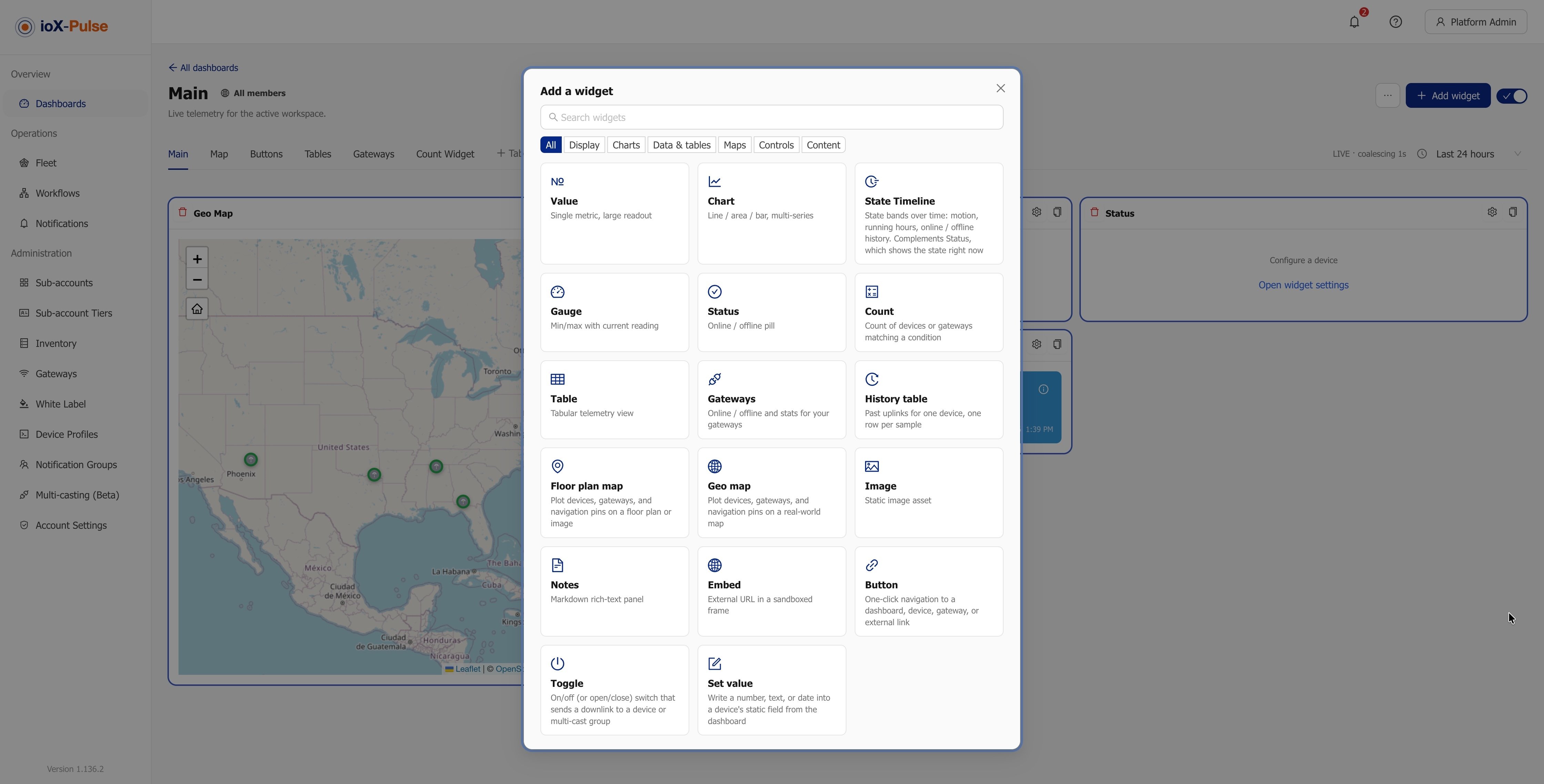
Remote monitoring software for wireless sensors takes the readings from battery-powered sensors in your buildings, plants and sites, turns them into named values with units, charts them, and tells the right person when something drifts out of range. It is a different product from the IT monitoring tools that watch servers and networks, and this guide explains the difference, what the software has to do well, and how to judge a platform before you commit a fleet of sensors to it.
Why IT monitoring tools are the wrong search result
Search for "IoT monitoring software" and most of what comes back watches infrastructure: servers, containers, routers and the applications running on them. Those tools assume a device with a network connection, a CPU and an agent you can install. A wireless temperature sensor on a cooler door has none of that. It wakes a few times an hour, sends a few bytes over LoRaWAN at 915 MHz in the US, and goes back to sleep for years on one battery. The software on the other end has to decode those bytes, know what the sensor is, and judge silence as carefully as it judges a reading.
That is what remote monitoring software for wireless sensors does. If your question is "is the walk-in at 38 °F (3.3 °C) or 48 °F (8.9 °C), and who finds out when it is the latter?", you are in this category, not in IT monitoring.
What the software has to do
1. Decode and name every reading
A LoRaWAN sensor sends a compact payload, not a spreadsheet row. The platform needs a device profile for each sensor model: a decoder that turns the payload into fields such as temperature, humidity, battery and signal, with units and display defaults. In ioX-Pulse, profiles come from a versioned manufacturer library or you write your own in JavaScript, and a profile can carry formula fields (a dew point from temperature and humidity, say) so the math happens once, centrally. See device profiles.
2. Show the fleet, not just one sensor
You will not watch 200 devices one at a time. Fleet views group devices by site and network, show health at a glance (last contact, battery, signal quality) and let you find the sensor that has gone quiet. ioX-Pulse organizes devices into sites and networks and gives each device health indicators without any decoder setup, because signal quality is computed from the radio data itself. See LoRaWAN device management.
3. Alert the right person, and stop alerting when it is fixed
This is where most monitoring projects succeed or fail. A good alert engine lets you set a threshold, a delay before the alarm clears (so a door opening for 30 seconds does not spam anyone), a repeat window so a long excursion does not send 400 texts, and a route: who gets email, who gets a text, who only sees it in the app. ioX-Pulse workflows treat an alarm as an episode with a start, repeats and a recovery, and members are only notified about equipment they can open. Gateway offline alerting is a default workflow on every account, because a silent gateway is the most common reason a whole site goes dark. See IoT alerts and workflows.
4. Put the data where people will look at it
Dashboards need to live where your team already works: a wallboard in the plant office, a phone, a customer portal. Look for live updates rather than page refreshes, widgets that fit the question (a gauge for one tank, a table for a hundred rooms, a map for a fleet across a region), and a way to share a dashboard with someone who does not have a login. ioX-Pulse dashboards update live over a WebSocket connection, and a sub-account dashboard can be shared as a read-only public link, with a password if you want one. See IoT dashboards and widgets.
5. Keep a record you can hand to an auditor
For cold chain, food safety and lab storage, the question is not only "what is it now?" but "what was it, continuously, for the last quarter?". ioX-Pulse's Environmental Compliance dashboard (Beta) reports time in range, excursions, monitoring gaps and mean kinetic temperature for the sensors you choose, and produces a PDF compliance report with your logo. It reports; it does not make a site compliant with any regulation, and the alerts still come from workflows. See analytics and reports.
6. Let your own systems in
Monitoring data rarely stays in the monitoring tool. A documented REST API with scoped keys and signed webhooks for device events lets your building management system, ticketing tool or data warehouse pull or receive readings without a nightly export. ioX-Pulse publishes an OpenAPI reference and signs every webhook with HMAC-SHA256. See API and webhooks.
Questions to ask before you choose
- Which sensors does it already understand? Ask for the device profile library and what happens when your model is not in it. A platform that only works with its own hardware locks your next purchase.
- What happens when a sensor goes silent? Silence is a reading. If the platform cannot alert on "no data for 2 hours", you will find out from a spoiled shipment.
- Who gets the alert at 2 a.m., and how? Email alone is not an alerting strategy for physical conditions. Check for text messages and for routing by site or role.
- Can you prove the history? Exportable history and a report format your auditor accepts.
- How is it priced as you grow? Per device, per site or per message changes what 50, 500 and 5,000 sensors cost. See ioX-Pulse plans for how we do it.
- Can a partner or integrator run it for several customers? If you buy through an integrator, or are one, each customer needs its own tenant, users and alerts. See the multi-tenant IoT platform.
Pro tip: Run the trial with real sensors at one site before you plan the rollout. Two weeks of actual readings, actual alerts and actual people responding will show you more than any feature list.
Where the hardware fits
ioX-Pulse works with the sensors you already have where a profile exists, and with ioX LoRaWAN sensors and gateways out of the box. The platform and the hardware are sold separately, so you can start with software on an existing network or buy both for a new site. For an overview of the platform itself, read remote IoT monitoring software for wireless sensors.
Frequently asked questions
What is remote monitoring software for wireless sensors?
Software that receives readings from battery-powered wireless sensors, decodes them into named values, charts them on dashboards, and sends alerts by email, text or in-app when a reading crosses a limit or a device goes silent. It is built for physical conditions such as temperature, humidity, leaks, door state and power, not for servers and networks.
How is it different from IT monitoring software?
IT monitoring tools watch servers, networks and applications that are always connected and can run an agent. Wireless sensors sleep between short radio transmissions and carry no agent, so sensor monitoring software must decode compact payloads, track devices that report intermittently, and treat silence as a condition worth alerting on.
Do I need a LoRaWAN gateway?
LoRaWAN sensors need a gateway within range to reach the internet; one gateway typically covers a building or a site. The gateway forwards packets to a network server, and the monitoring platform receives the decoded data from there. ioX-Pulse also accepts cellular devices and Blues Notehub routes, which do not use a gateway.
Can I try it with my own sensors first?
Yes, on a plan that includes third-party sensor integration (see the pricing page for which plans do). If a device profile exists for your sensor model you can add the device and start reading it; if not, you can build a profile from the manufacturer's payload documentation or ask us for one.
Ready to see it with your own sensors? Start your free trial or talk to an IoT specialist.
ioX-Connect
ioX-Connect is a comprehensive IoT Management Platform designed to streamline the monitoring of facilities and equipment.