IoT User Management and Roles
Give People Exactly the Access They Need
IoT user management is the job of deciding who can see your fleet and who can change it. In ioX-Pulse that is a role, and a role carries two separate settings: which parts of the platform it sees at all, and what it is allowed to do there. Both are adjustable, which is why a login that shows dashboards and nothing else is a setting rather than a feature request.
It works at two levels. Your own team gets access across the workspace. Everyone else, a customer's staff, a contractor, a facilities manager, gets access inside one account, sees only what that account contains, and never learns the rest exists.
- What a role sees and what it can change are separate settings, adjustable per role
- Adjust them per customer account too, so one customer's operators can do more than another's
- One person can hold access to several accounts, with a different role in each
- A read-only login is a role, not a workaround
- Require multi-factor authentication across your workspace, and let a customer require it on top
- Restrict somebody to one location and they see their own site and below, never above
Two levels, plain names
The Roles, and Who They Are For
Roles come in two levels. Some apply across your whole workspace and are for your own people. The rest apply inside a single account and are for whoever uses it.
| Role | Who it is for |
|---|---|
| ACROSS YOUR WORKSPACE | |
| Partner Administrator | Owns the workspace. Branding, billing, accounts, members and platform settings. This is you. |
| Partner Support | Your own support staff. Sees everything across the workspace and changes nothing, which is the correct shape for somebody diagnosing a problem on a call. |
| INSIDE A SINGLE ACCOUNT | |
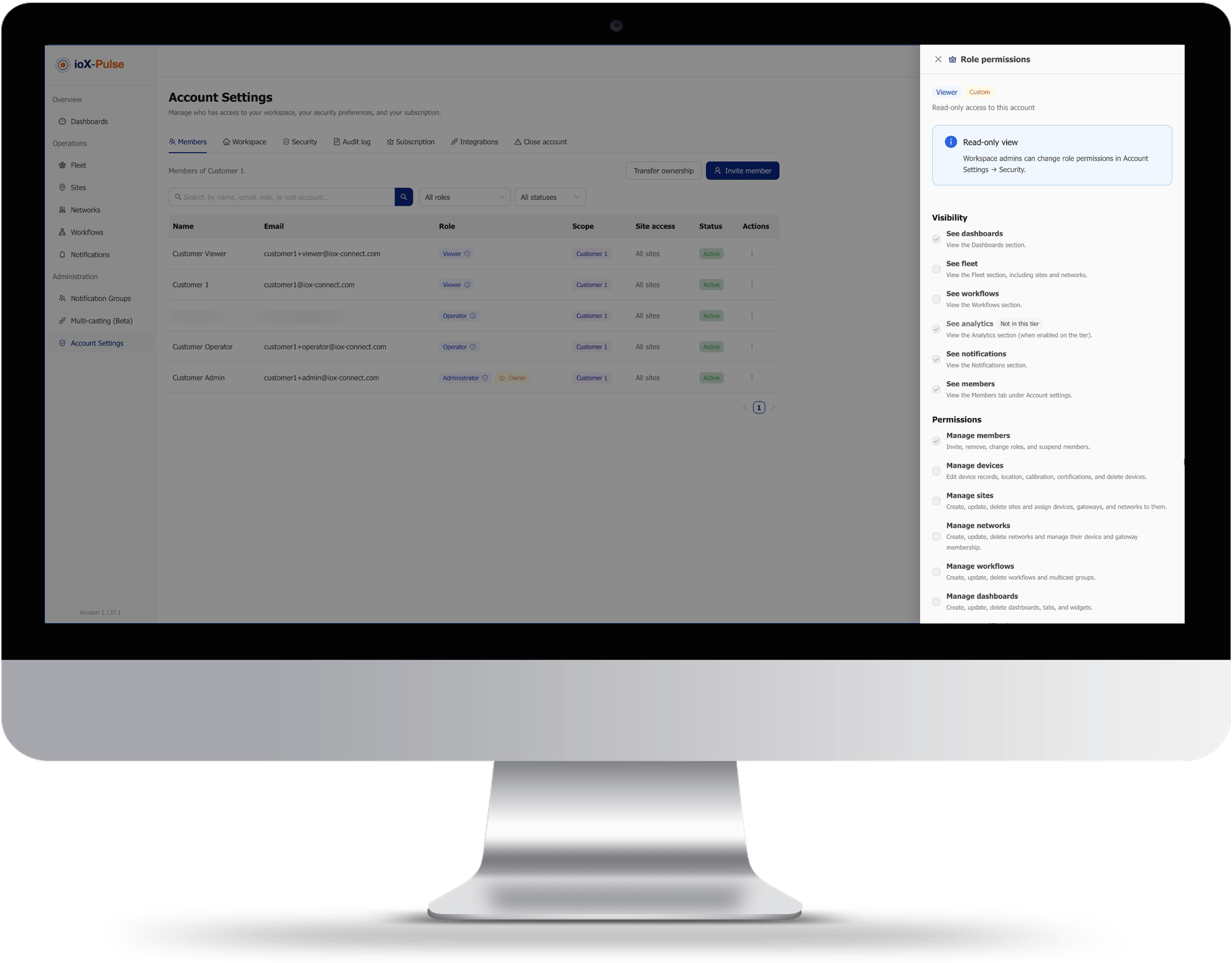
| Administrator | The customer's own administrator, inside their account. Manages their devices, dashboards, workflows and their own people. |
| Operator | Day to day use, including sending commands to devices, without being able to change how the account is configured. |
| Viewer | Reads, and does nothing else. |
The account-level roles are named without any prefix, so a customer signing in sees Administrator, Operator and Viewer rather than something that reminds them they are a tenant in somebody else's platform.
Trusted by customers across multiple industries

Seeing and doing are different
What a Role Sees, and What It Can Change
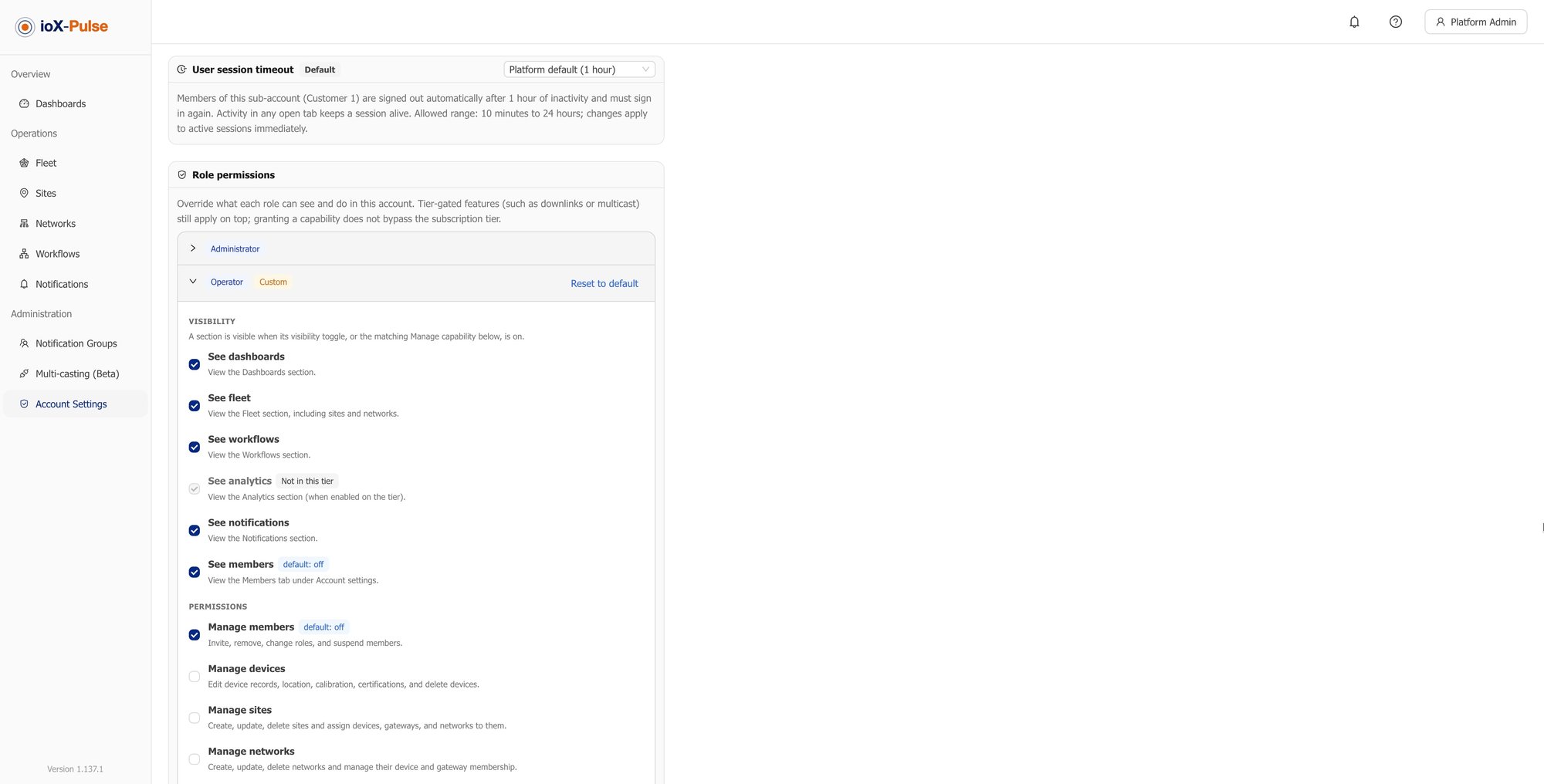
Most platforms give you a fixed set of roles and you take what you are given. Here a role carries two independent settings, and both are yours to adjust.
What a role sees at all
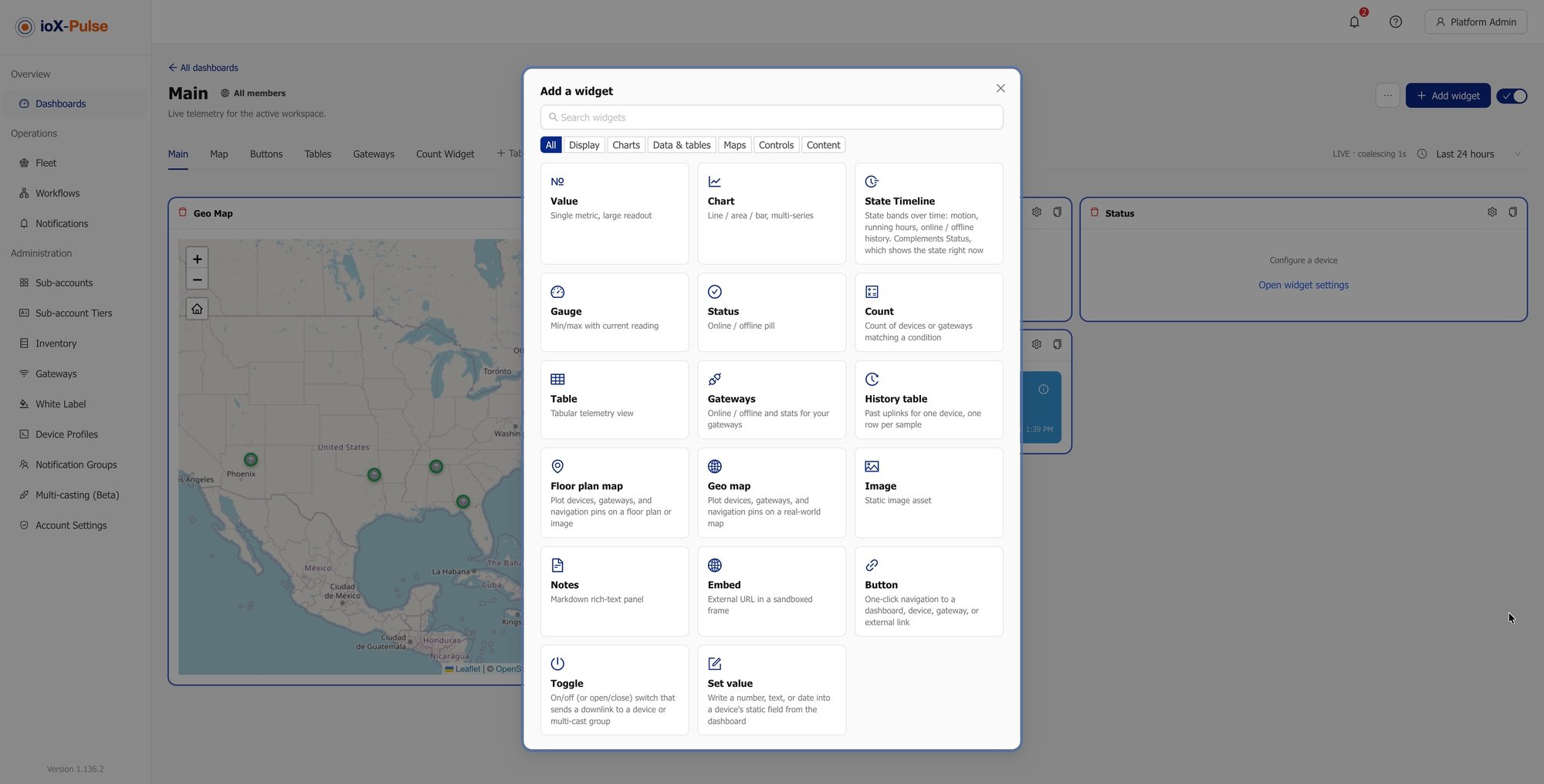
Which parts of the platform a role sees at all. Hide a section from a role and it is not in their sidebar to wonder about.
What it is allowed to do
What a role is allowed to do in the parts it can see.
Every permission is listed individually, with what it does and what it defaults to, and you switch them on or off rather than negotiating with a preset.
- Let an operator manage their own dashboards but not their own devices
- Give a viewer the ability to invite a colleague without giving them anything else
- Build a login that shows one dashboard and no navigation at all
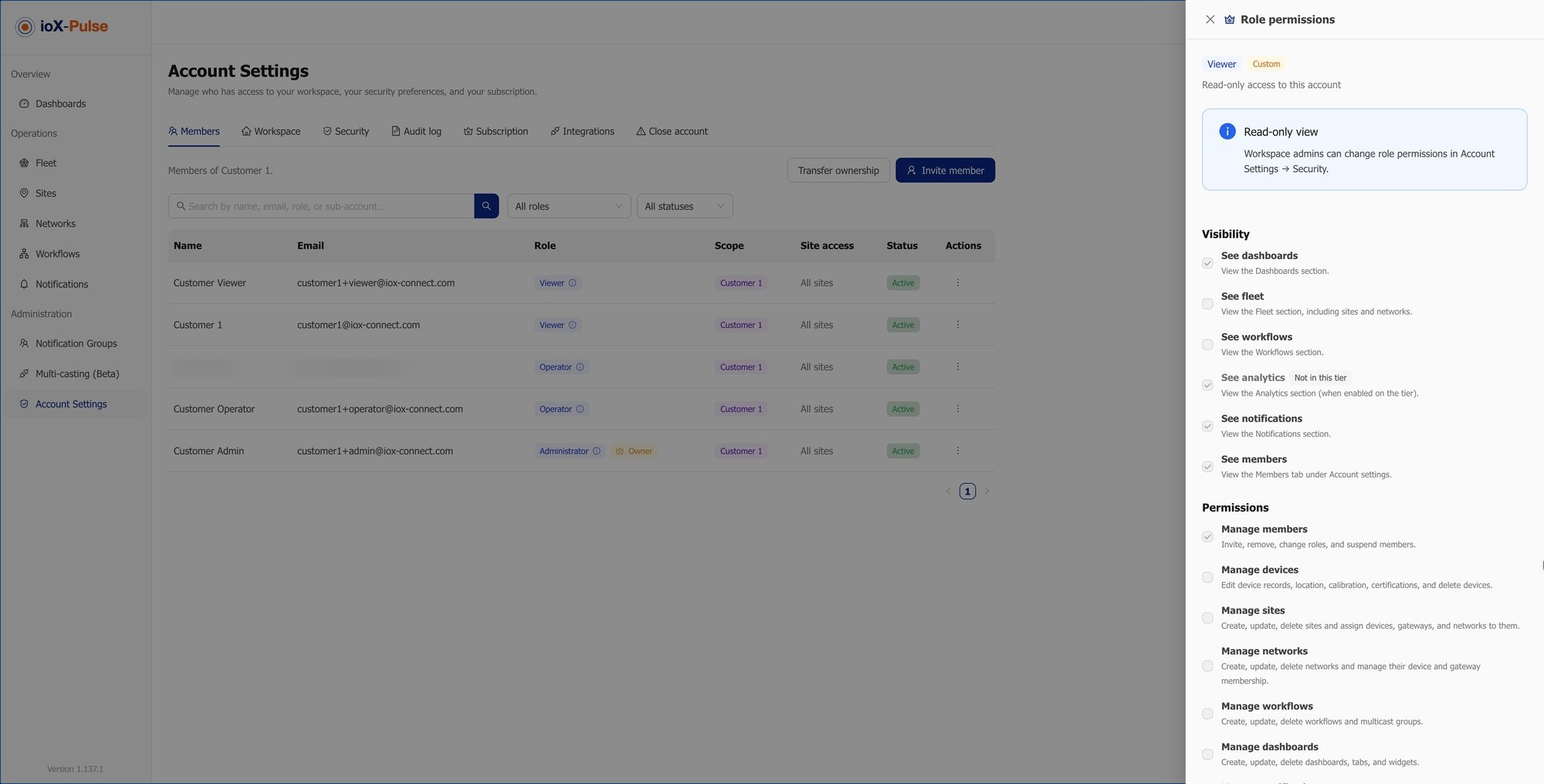
You can set this for your own workspace and separately for each customer account, so a customer who wants their operators to do more is a change on their account rather than a change to your product. Where you also use sites, somebody can be restricted to one location as well, and they see their own site and anything below it, never above.
Our Products and Services
We're here to help, do not hesitate to reach out to us by scheduling a quick call with one of our consultants.
Set Up Your First Team
A free trial takes a card but does not charge it. Invite somebody, give them a role, and sign in as they would to see exactly what they get.
One person, several accounts
People Who Work Across More Than One Account
Access is granted per account, and one person can hold several. A consultant can administer two of your customers and read a third. A regional manager can cover four sites without four logins. Each grant is separate, with its own role, so widening one never widens the others.
Remove one grant and the others are untouched.
That matters most when somebody leaves. Remove them from one account and the rest are untouched; remove them everywhere and there is nothing left behind, because there was never a shared login to forget about.
The account-level settings
Sign-In Rules You Set Yourself
A few rules apply to everybody signing in, and they are yours to set rather than ours.
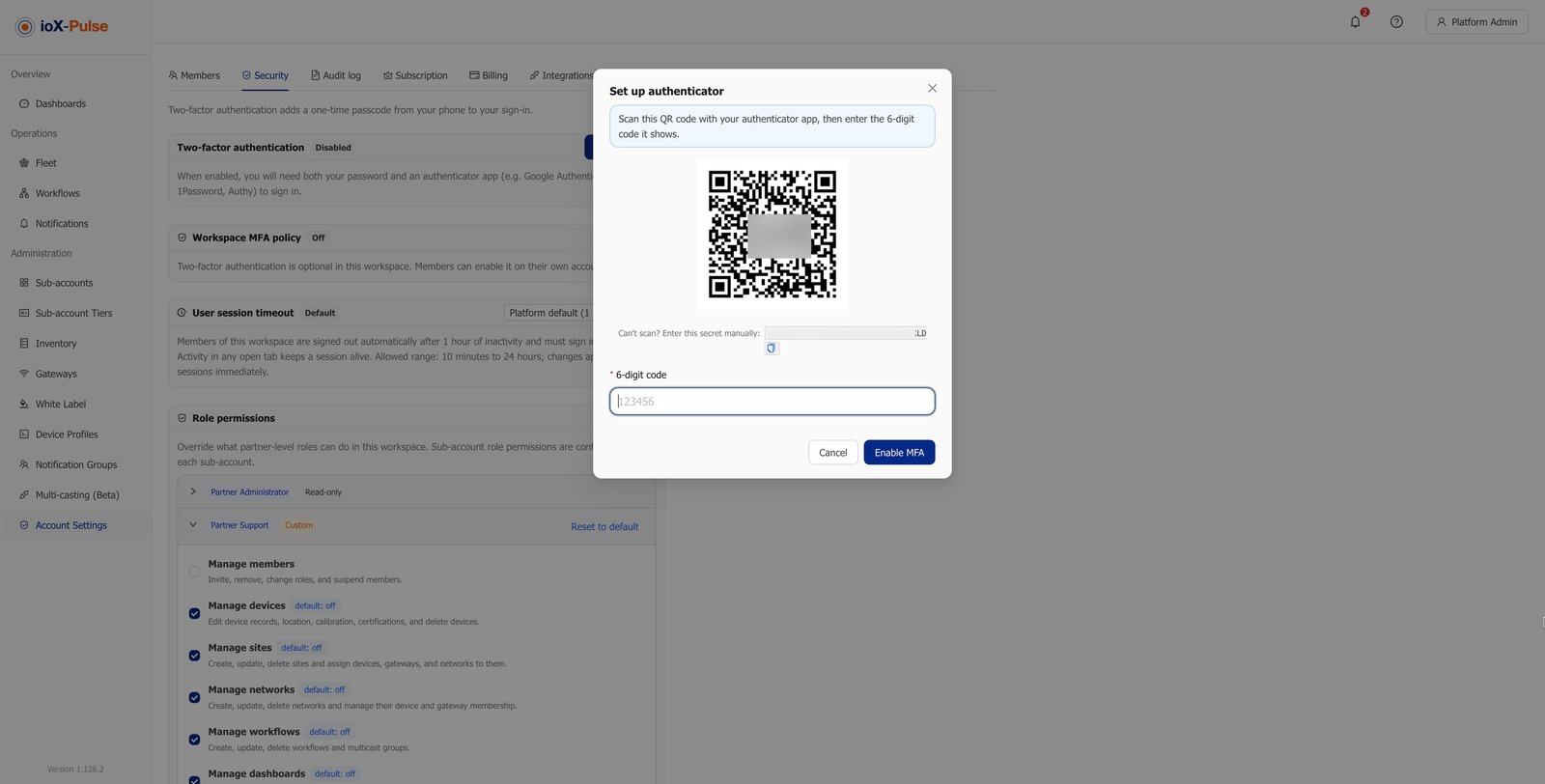
- Require multi-factor authentication across your workspace, with a grace period so existing people have time to enroll
- A customer can require it inside their own account as well, and where your rule and theirs differ the stricter one applies
- Set how long a session lasts before somebody has to sign in again, anywhere from minutes to a day, and the change reaches sessions that are already open
Customers managing customers
Letting a Customer Manage Their Own People
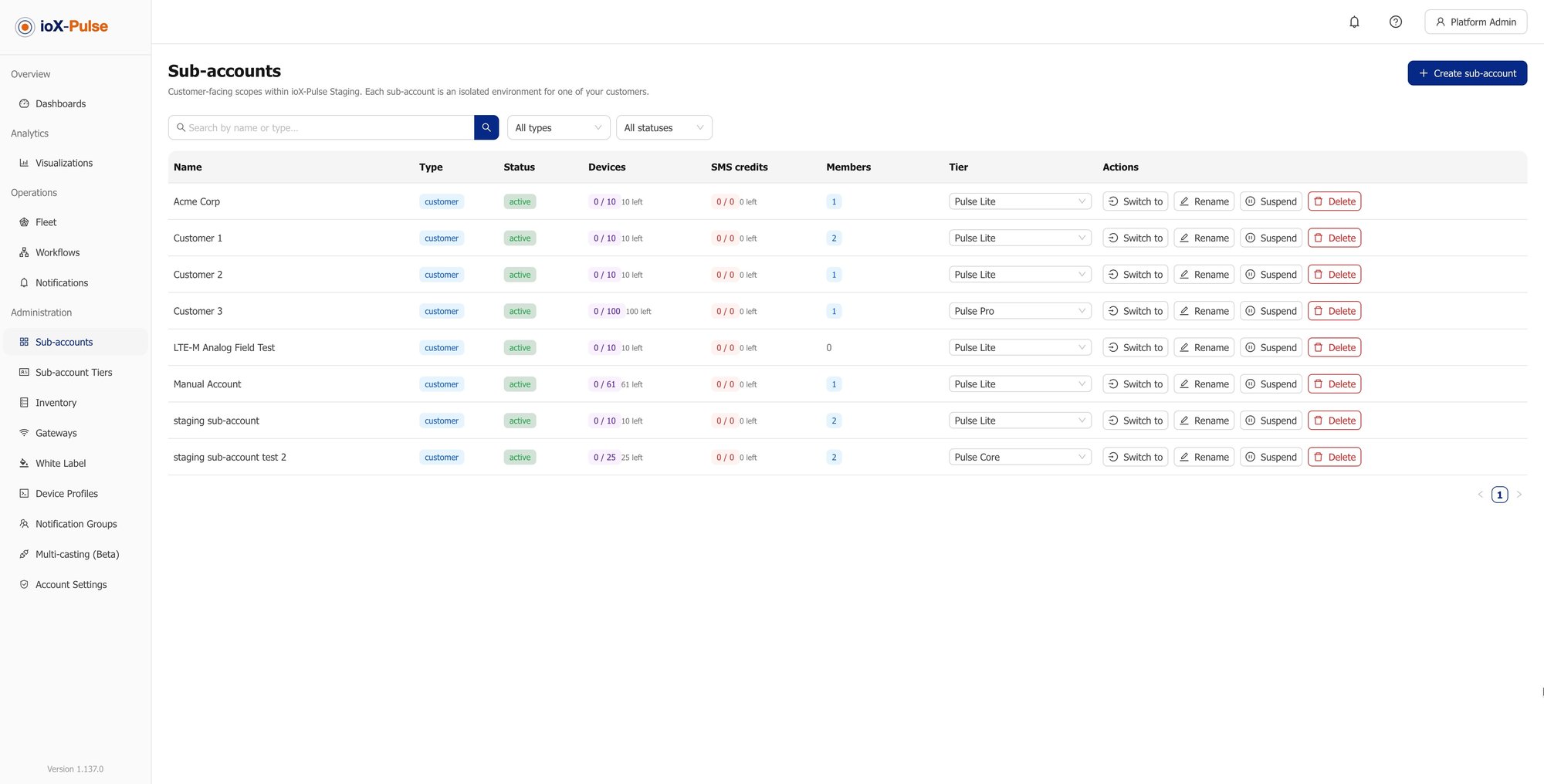
A customer's administrator can invite, suspend and remove their own members without coming to you, which is the difference between a platform you sell and a platform you staff.
What they can do
What they cannot reach
They are bounded by their own account throughout. What they can do is run their own team, which is usually the support request you least want to be handling on a Friday afternoon. The isolation model behind this is what makes the boundary hold.
The honest version
Fixed Roles Against Roles You Can Shape
Most platforms ship three roles and a support queue. Here is the same work, done both ways.
| The job | Fixed roles | With ioX-Pulse |
|---|---|---|
| A dashboards-only login for a client | Not possible, or a support request | Hide the other sections from that role |
| An operator who can act but not reconfigure | Give them admin and hope | A role that sends commands and changes nothing |
| One customer wanting more than another | Same for everyone | Adjust the permissions on that account |
| A consultant across three customers | Three logins, often shared | Three grants on one person, three different roles |
| Somebody leaving | Change the shared password | Remove their access; nothing is left behind |
| A site manager who should see one site | All of it, or none of it | Restrict them to their site and below |
Common Questions About IoT User Management
If your question is not here, email sales@iox-connect.com and you will get a straight answer
Each person holds a role, and a role carries two separate settings: which parts of the platform it can see, and what it is allowed to do in them. Both are adjustable per role, and separately for each customer account, so you are shaping access rather than choosing from fixed presets.
Yes, and it is a setting rather than a special request. Hide the sections you do not want a role to see and switch off the permissions you do not want it to have. A login that opens on one dashboard with no navigation is a normal configuration.
Yes, with a different role in each. Access is granted per account, so a consultant might administer two accounts and read a third, and changing one grant never changes the others. It also means nobody needs a shared login.
Yes. A customer's administrator can invite, suspend and remove people inside their own account, and can require multi-factor authentication for them. They cannot see or affect anything outside that account.
Yes, across your whole workspace, with a grace period so people already using the platform have time to enroll. A customer can also require it inside their own account, and where the two policies differ the stricter one applies.
Yes, where you use sites. A member restricted to a site sees that site and anything below it in the hierarchy and never anything above, and it applies through the product rather than only to a device list.
Your team set up this week
Ready to Get Everyone the Right Access?
Start a free trial and build the roles you actually need, or tell us who has to see what and we will show you how it would be configured.