


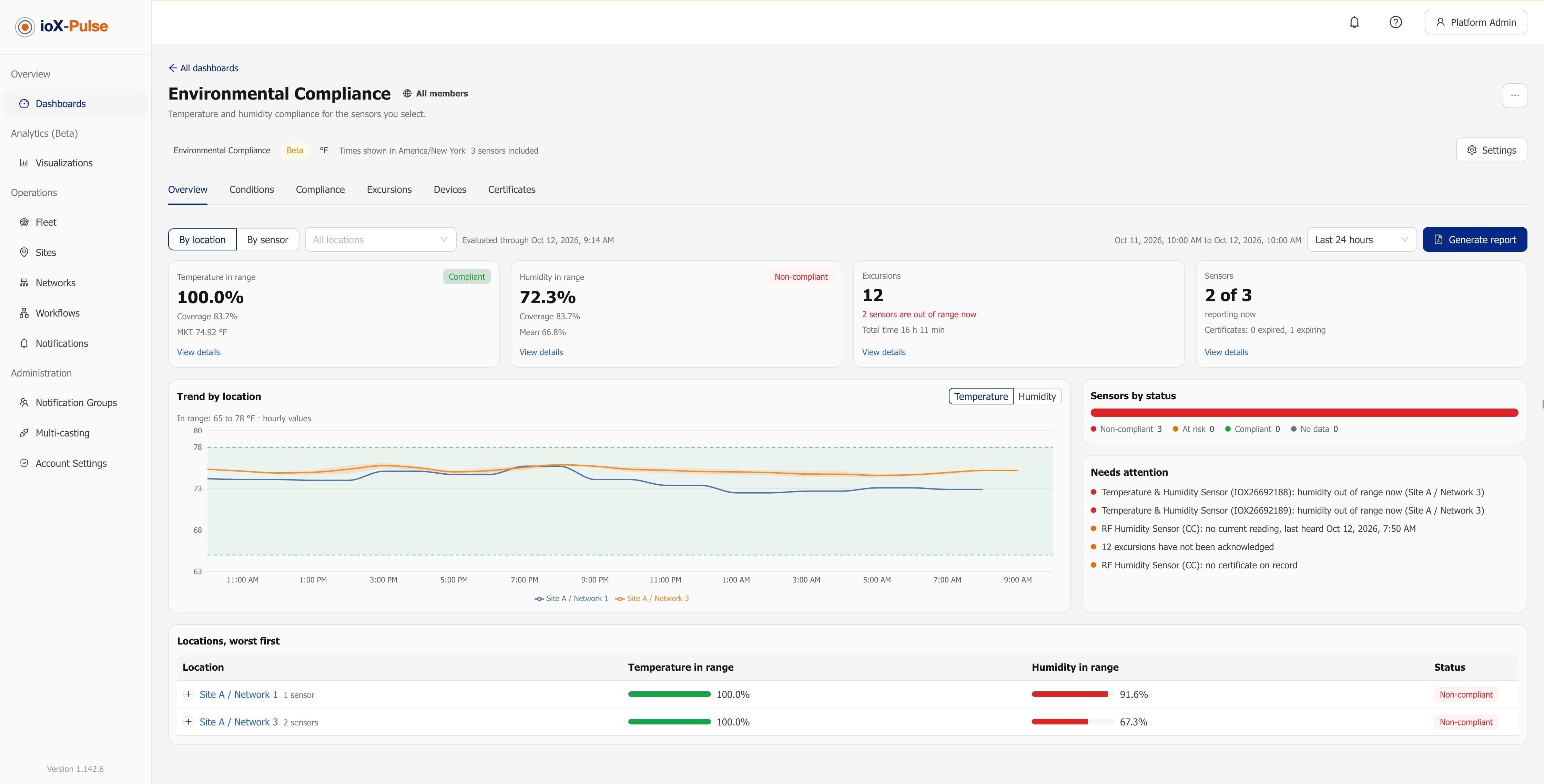
ioX-Pulse 1.142.11 completes the October release. On top of the Environmental Compliance dashboard and Sign in with Google from 1.142.6, it adds three more ready-made template dashboards, all in beta: Tenant Sub-metering for energy and water billing, Well Site Monitoring for oil and gas wells, and Facility Monitoring for energy, water and carbon per tenant. The full list is in the ioX-Pulse changelog; this post covers what each one lets you do.
What is a template dashboard?
A template dashboard is a finished dashboard for one job. You do not place widgets. You choose the type, pick the property, wells or sensors it should read, and it builds the views, the reports and the scheduled emails for you. Template dashboards are a plan feature, and the three new ones also need Multi-site, because each tenant or well is a site in ioX-Pulse. If your workspace has them, they appear as types in the New dashboard dialog.
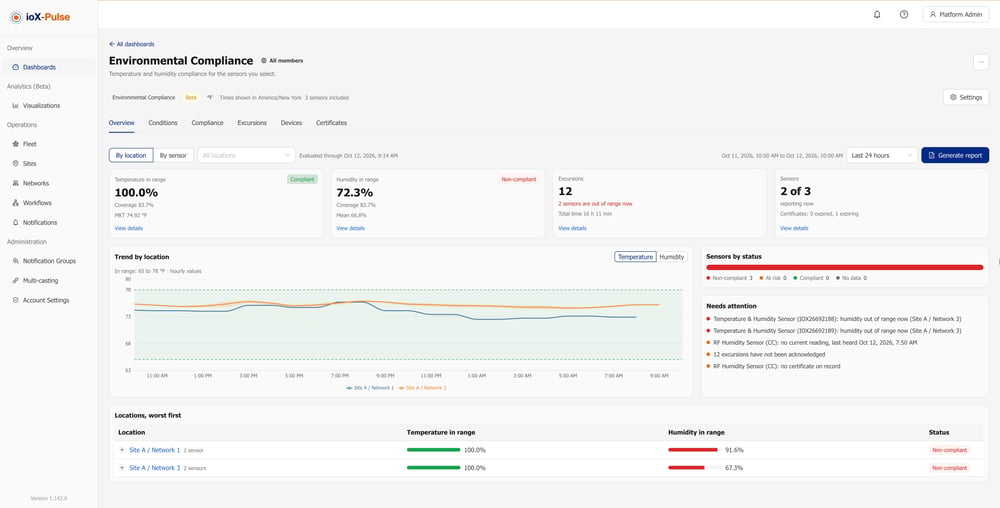
All three new templates read the same devices you already run. A device takes part when its device profile tags the right field, for example energy in kWh or a stroke count, so existing meters and sensors can be used without new hardware.
Tenant Sub-metering: a consumption statement for every tenant
If you own or manage a multi-tenant property, you have to turn meter readings into something a tenant will accept with an invoice. The Tenant Sub-metering dashboard (Beta) reports energy and water consumption per tenant, with the cost at the rate you enter.
- Statements per billing cycle. Set a cycle start day, then generate one set at the close: a combined PDF with one statement per tenant, a zip with one PDF per tenant, and a close CSV for your billing system.
- Reconciliation. Enter a utility bill and see how much of it the tenants recover. You can set the pass-through rate from the bill's effective rate.
- Trends. Bars per billing cycle, per property or per tenant unit, with a linear trend line.
One thing to know: a statement is not an invoice. It reports metered consumption and your rate, and says so in its footer. Your billing system still produces the invoice.
Well Site Monitoring: yesterday's wells in your inbox every morning
For producers who run many wells, the Well Site Monitoring dashboard (Beta) shows which wells are pumping, idle, down or not reporting, which tanks are high, low or draining fast, what came out of the ground, and which tubing, casing or line pressures sit outside their band.
- Status from stroke counts. Well status comes from stroke counters, tank levels are read against the marks you set, and pressures against bands.
- A daily morning report. Generate a PDF and Excel report for any period, and have yesterday's report emailed to a notification group every morning.
- Exports. Download the wells, tanks and production tabs, with their filters, as CSV or Excel.
Each well is a site, and a lease, pad or field can sit above it for grouping and roll-ups. For the field side of this, see how pump jack monitoring works with ioX-Connect sensors.
Facility Monitoring: energy, water and carbon per tenant
The Facility Monitoring dashboard (Beta) answers three questions about a property, in order: what needs attention now, who is driving consumption, and are we improving.
- Expected-usage flags. A tenant is flagged when its usage runs above what its own history says to expect.
- Main-meter split. The main meter is split into tenants, common area and unmetered use.
- Carbon and targets. Consumption is reported with carbon at the factors you enter, against an annual reduction target. Vehicle and people counters can be added for context.
- Monthly sustainability report and tenant scorecards. Each property's report for a closed month is emailed to a notification group on the day you choose, with one scorecard per tenant to distribute.
To compare tenants of different sizes fairly, sites now carry a floor area in square feet, so consumption can be reported per square foot. Facility Monitoring is not billing; statements and the billing close belong to Tenant Sub-metering. If you are starting with the meters themselves, our guide to the benefits of energy monitoring covers the hardware side.
Also in 1.142.11
- Dashboard templates per tier. Partners can enable dashboard templates on a sub-account tier to offer them to that tier's workspaces.
- Liquid gauge labels. Minimum and maximum labels on the liquid gauge now display in full on square or narrow widgets.
Frequently asked questions
What is new in ioX-Pulse 1.142.11?
Three template dashboards in beta: Tenant Sub-metering for energy and water consumption per tenant with statements for billing, Well Site Monitoring for oil and gas wells with a daily morning report, and Facility Monitoring for energy, water and carbon per tenant with a monthly sustainability report. Sites also gain a floor area field.
Do I need new hardware for the template dashboards?
No. They read devices you already have, as long as each device profile tags the field the dashboard needs, such as energy in kWh, water volume, or a stroke count.
Is a Tenant Sub-metering statement an invoice?
No. A statement reports metered consumption and the rate you entered, and says so in its footer. It goes with the invoice your billing system produces.
Who can use the template dashboards?
Template dashboards are a plan feature, and Tenant Sub-metering, Well Site Monitoring and Facility Monitoring also need Multi-site. If the New dashboard dialog does not offer a type, it has not been enabled for your workspace.
See it on your own data
ioX-Pulse is the IoT monitoring platform in the ioX-Connect suite. You can see ioX-Pulse plans, read more about what ioX-Pulse does, or talk to an IoT specialist about your properties or well sites. The complete release history is in the changelog.