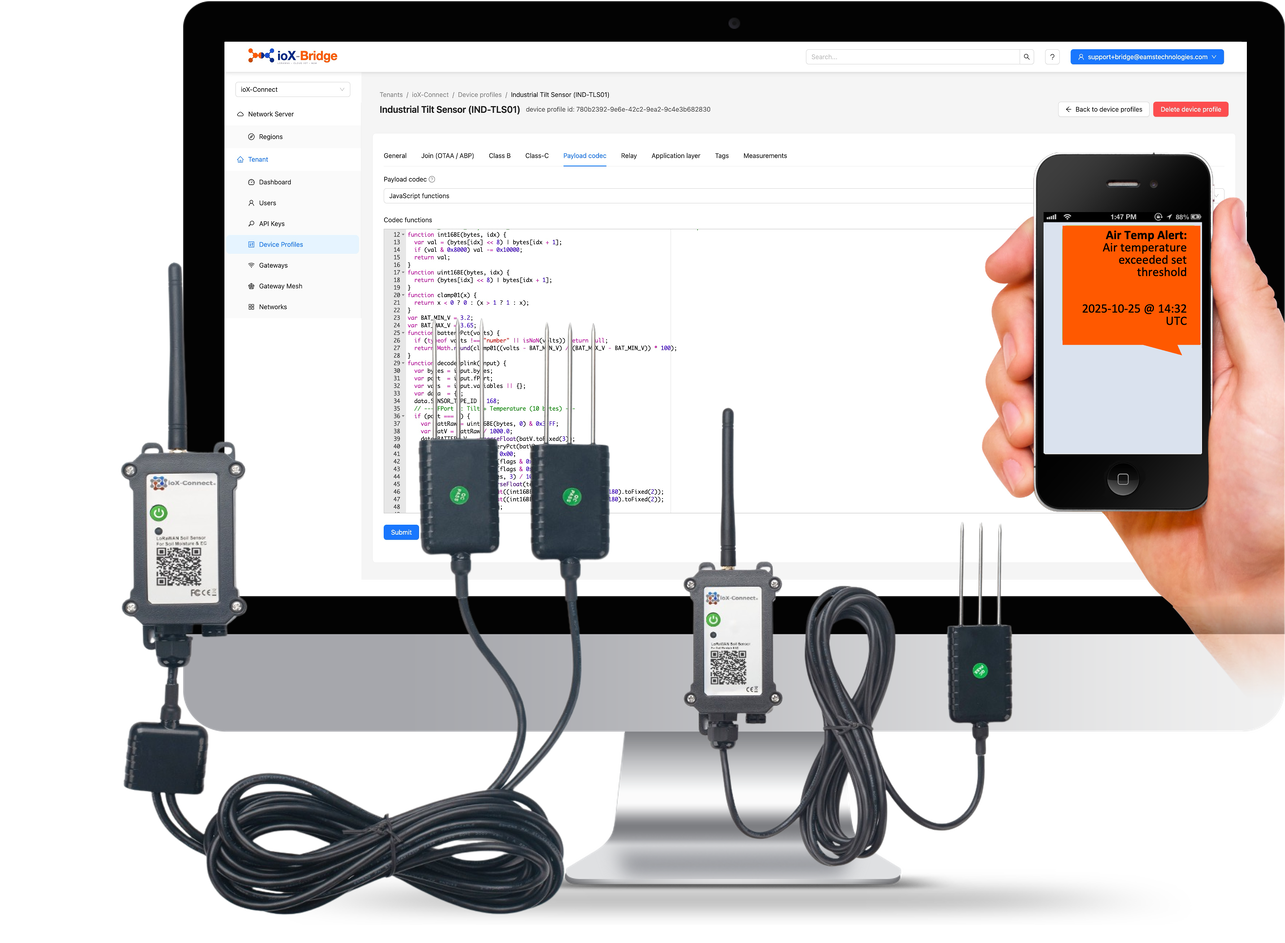
Your Sensor Sends Bytes. You Need Temperatures.
A LoRaWAN sensor transmits a handful of bytes to save battery, and those bytes mean nothing until something turns them into named values. That something is a payload decoder, and in ioX-Bridge it is attached to a LoRaWAN device profile, which holds the radio and protocol settings for a device model alongside the decoder for it.
There are two ways to get one. Pick your hardware out of the built-in catalog, where the decoder is already written and tested, or write your own. Most deployments are mostly the first and a little of the second.
- A catalog of tested decoders, organized by vendor and model
- Your own decoder in JavaScript when the hardware is not in it, or Cayenne LPP where the device already encodes that way
- The raw bytes delivered alongside the decoded reading, so a decoder you got wrong is fixable against history
- Set it once for a device model and every unit of that model uses it
- Named values arrive in every delivered event, so what you receive is already readable
Most of the time, somebody already did it
Is Your Hardware Already Done?
ioX-Bridge ships a catalog of vendor templates: LoRaWAN device profiles for hardware already on the market, each with a decoder written and tested against the real device rather than against a datasheet. Find your vendor, find your model, and the sensor decodes correctly the first time it transmits.
That is the difference between a deployment that starts on the afternoon the boxes arrive and one that waits on somebody reading a payload specification. It also means the decoder is maintained rather than frozen: when a manufacturer changes a firmware payload format, the catalog entry is what gets updated.
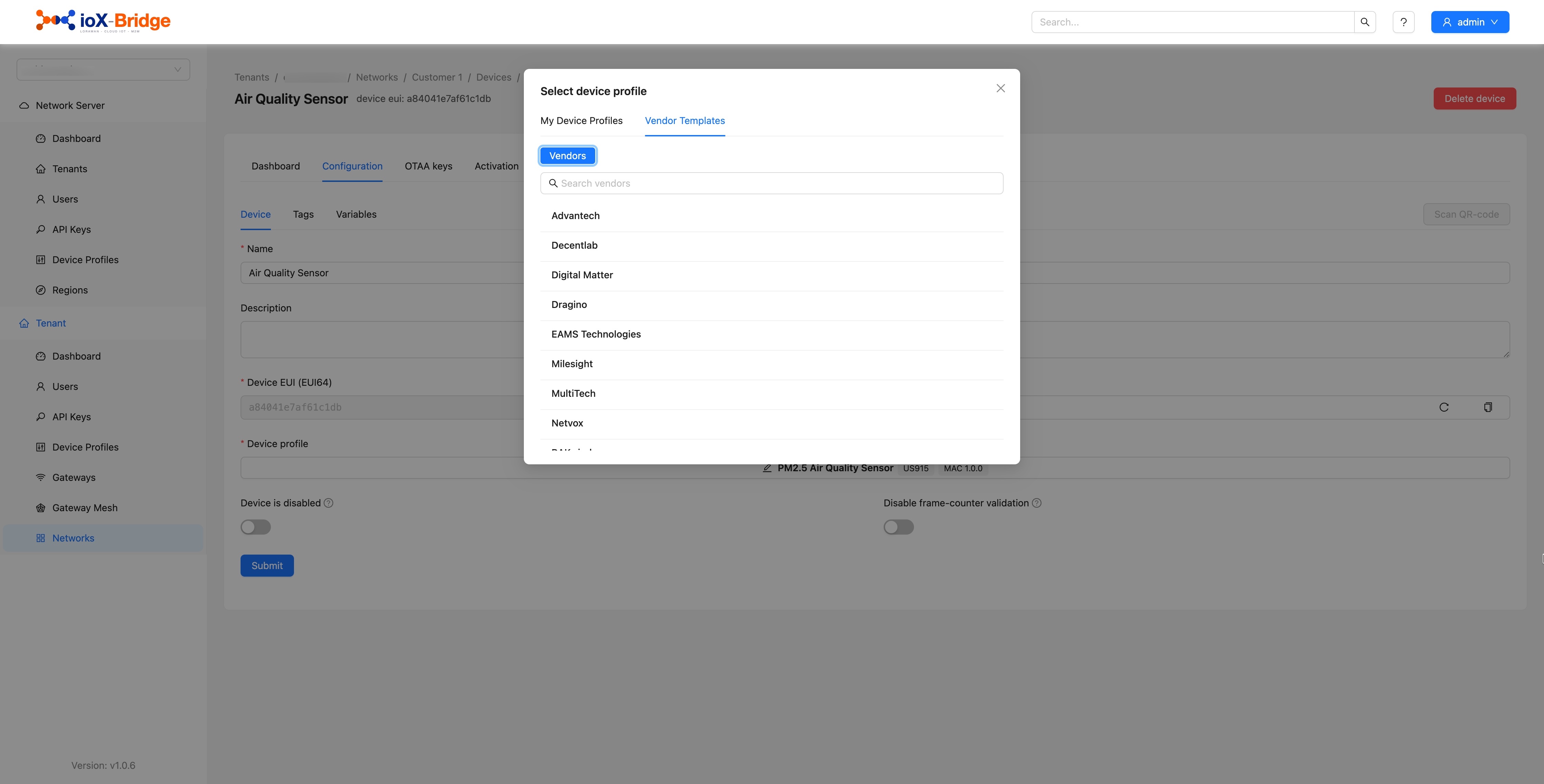 Vendor templates
Which vendors and models you see depends on your subscription. If you already know what you are deploying, send us the list and we will tell you what is covered before you commit to anything.
Trusted by teams monitoring critical infrastructure













When it is not in the catalog
What It Takes to Write One
A decoder is an ordinary JavaScript function. It receives the payload bytes and the port the uplink arrived on, and it returns whatever named values you want out of them. Anybody on your team who can read a payload specification can write one, and a typical sensor takes a few lines. There is no proprietary language to learn and nothing to compile.
Devices that already speak Cayenne LPP need no decoder at all, because the format describes itself. Select it on the profile and the readings arrive named.
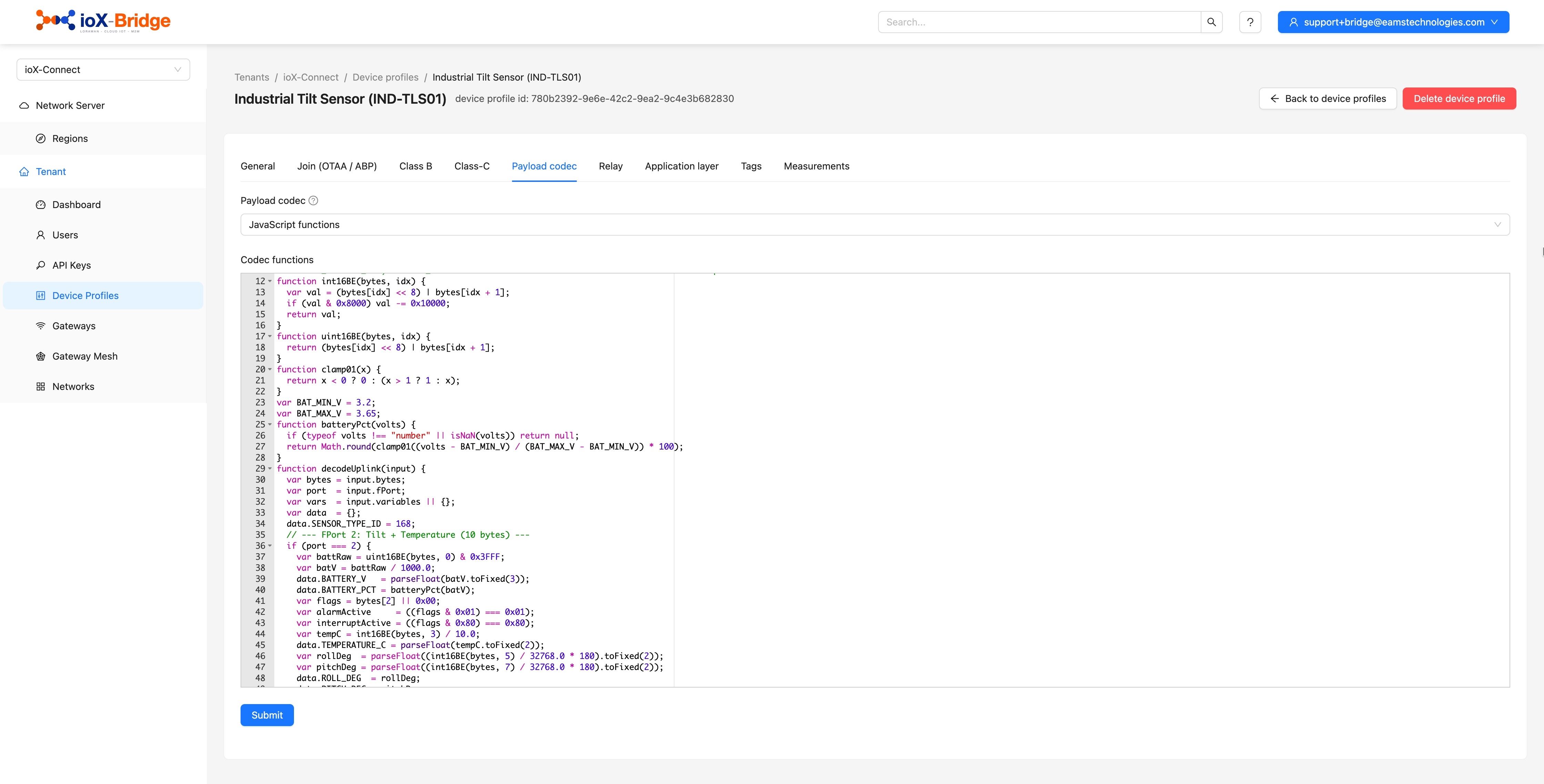
If writing one is not work you want, send us the device and its payload documentation and we will look at adding it to the catalog.
The mistake that is not permanent
A Wrong Decoder Is Recoverable
Decoders are wrong sometimes. A scaling factor is off by ten, a byte order is reversed, a firmware revision moves a field. On a platform that stores only what the decoder produced, you find out three months later and the three months are gone.
Every event ioX-Bridge delivers carries the raw payload alongside the decoded reading. Correct the decoder and the bytes you already have can be read again properly, because nothing threw them away. That is the difference between an afternoon of reprocessing and a gap in the record you have to explain to a customer.
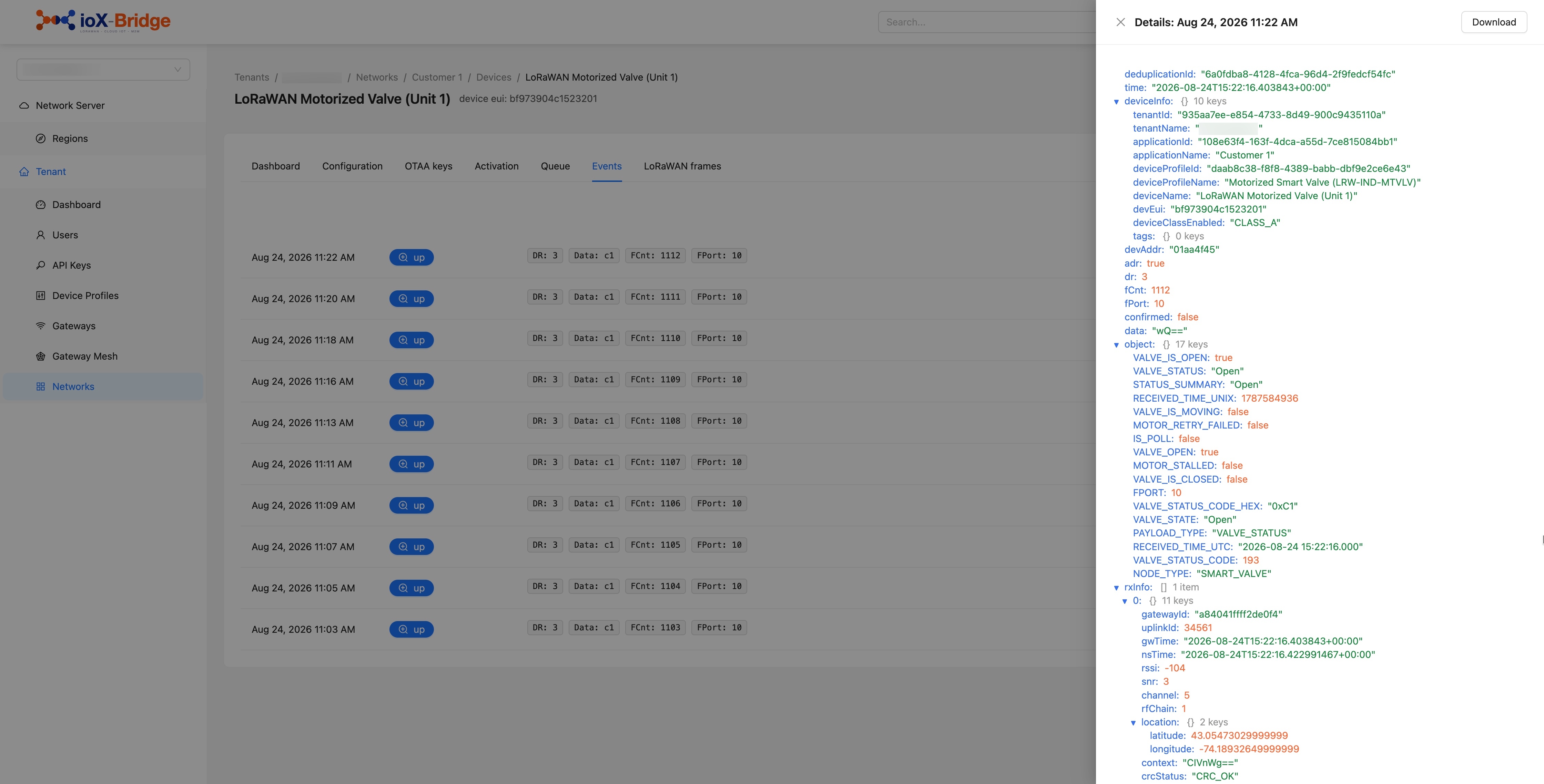 Raw + decoded
Worth designing for at your end too. Keep what arrives, not only what you understood at the time.
Where it connects
Decoding Straight Into ioX-Pulse
Some catalog profiles carry a second decoder built for ioX-Connect's own format. Switch it on and readings arrive in the shape the platform above already expects, so there is no translation layer between the network server and the application your customers log into. Leave it off and you get the standard decoder, which is what you want if the data is going anywhere else.
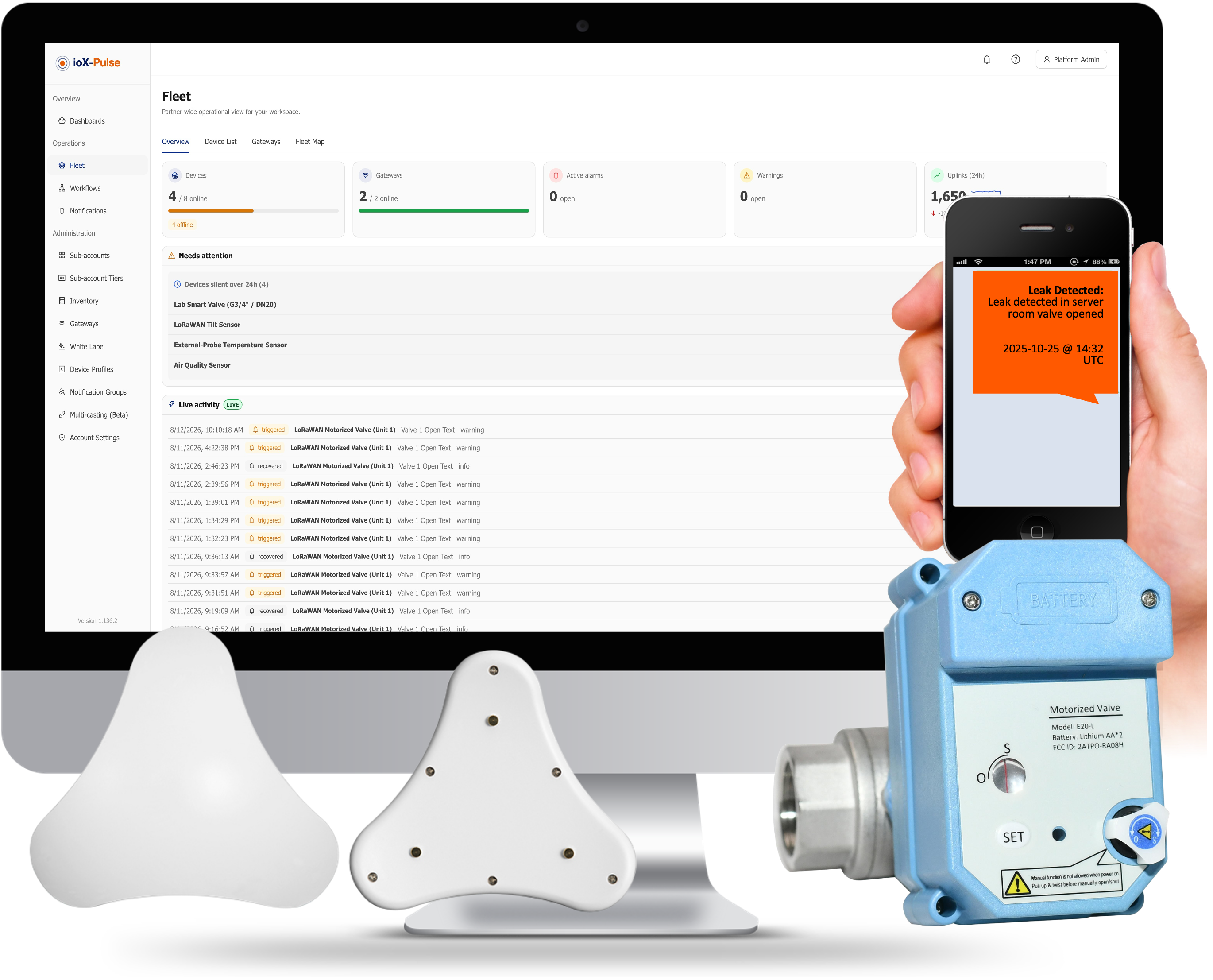
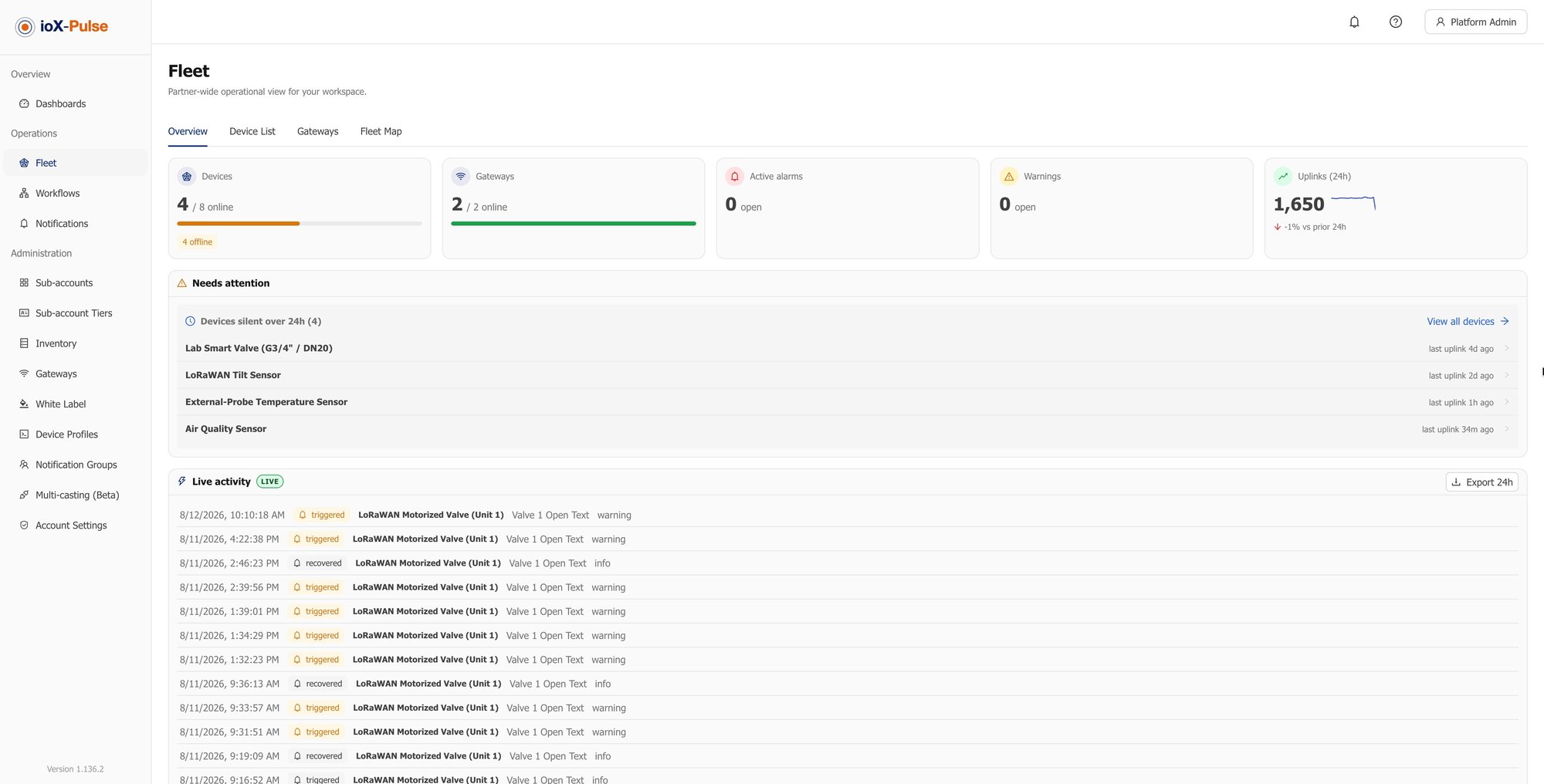
That platform is ioX-Pulse: device management, dashboards, alerting, and customer accounts you can put your own brand on.